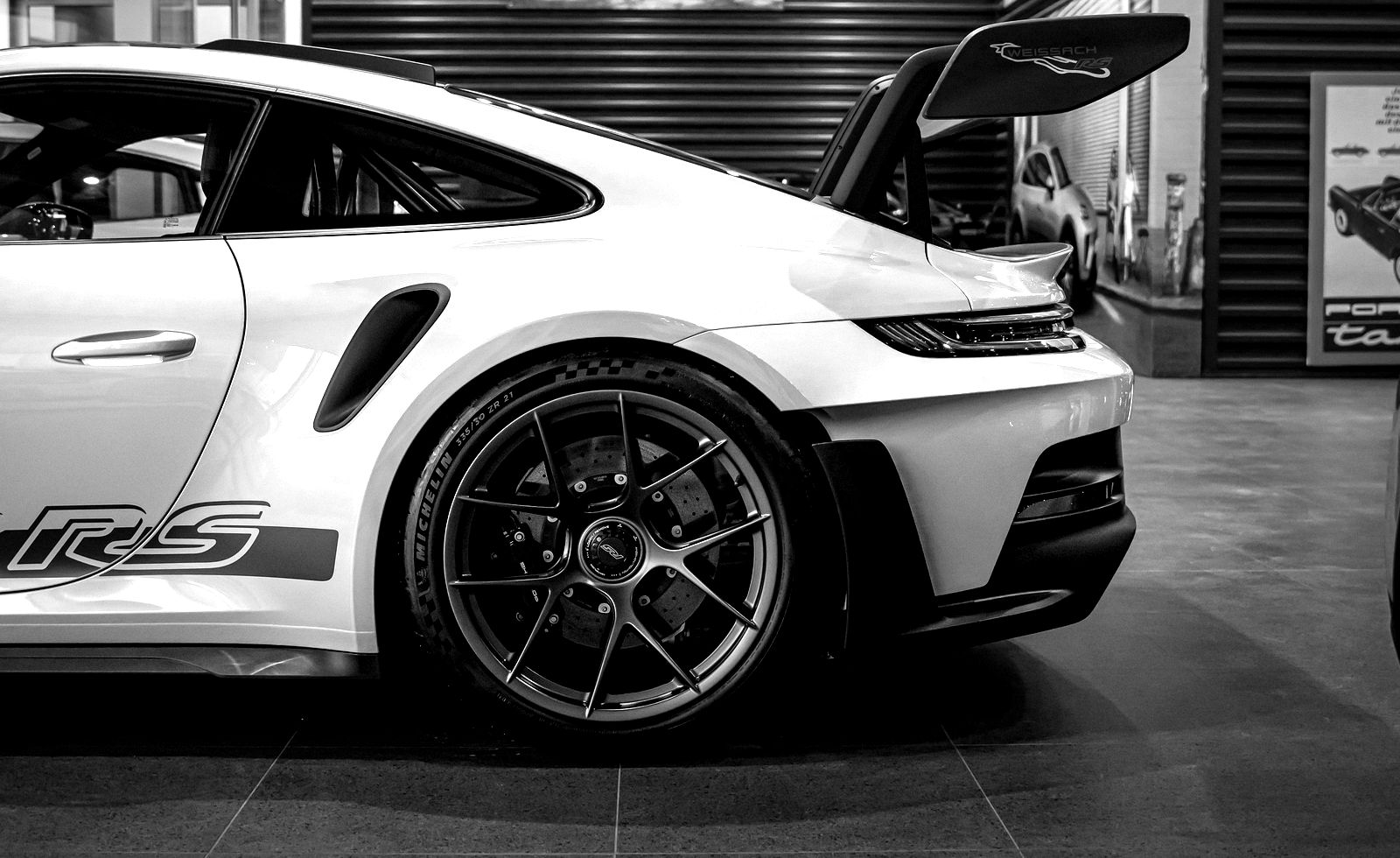
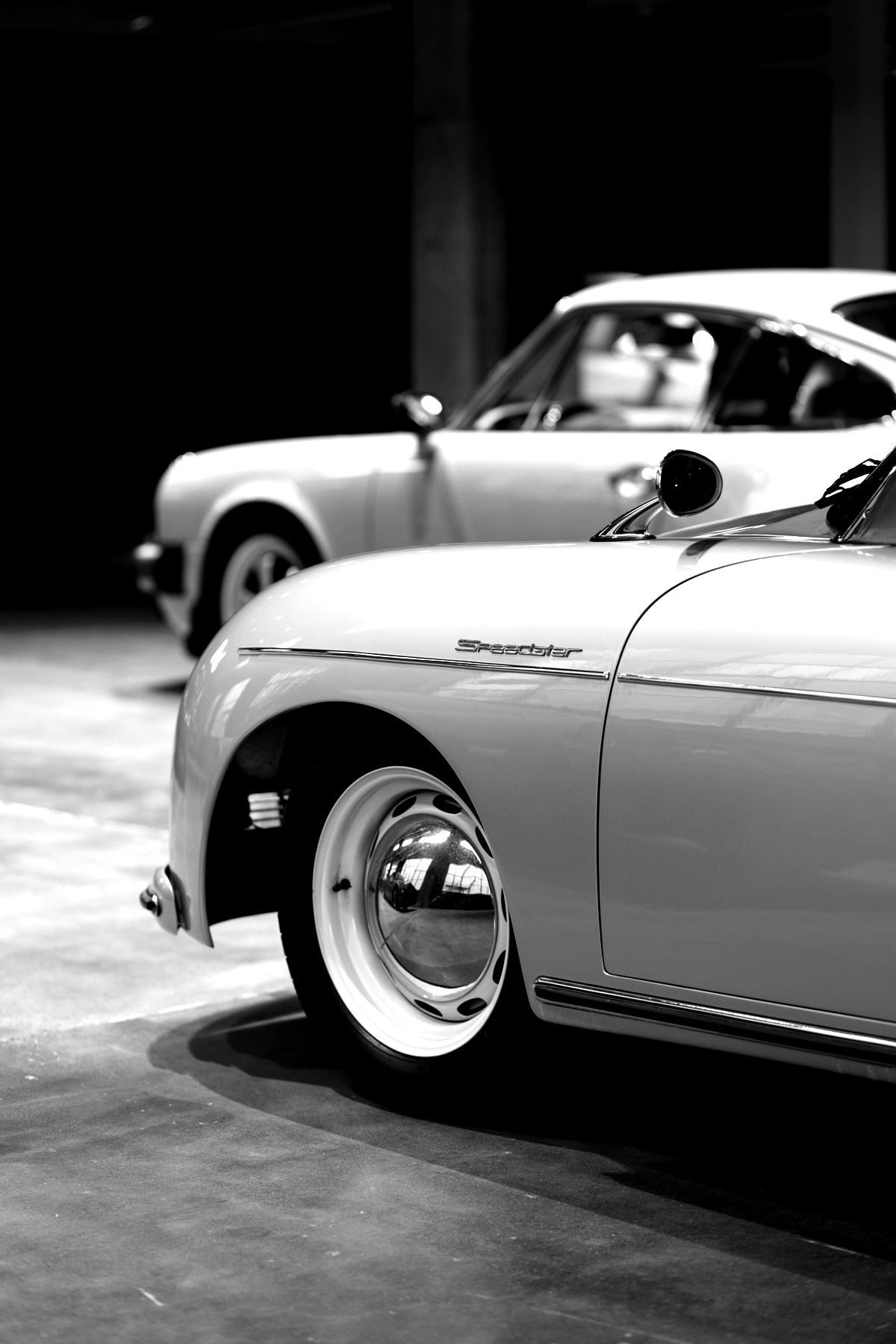
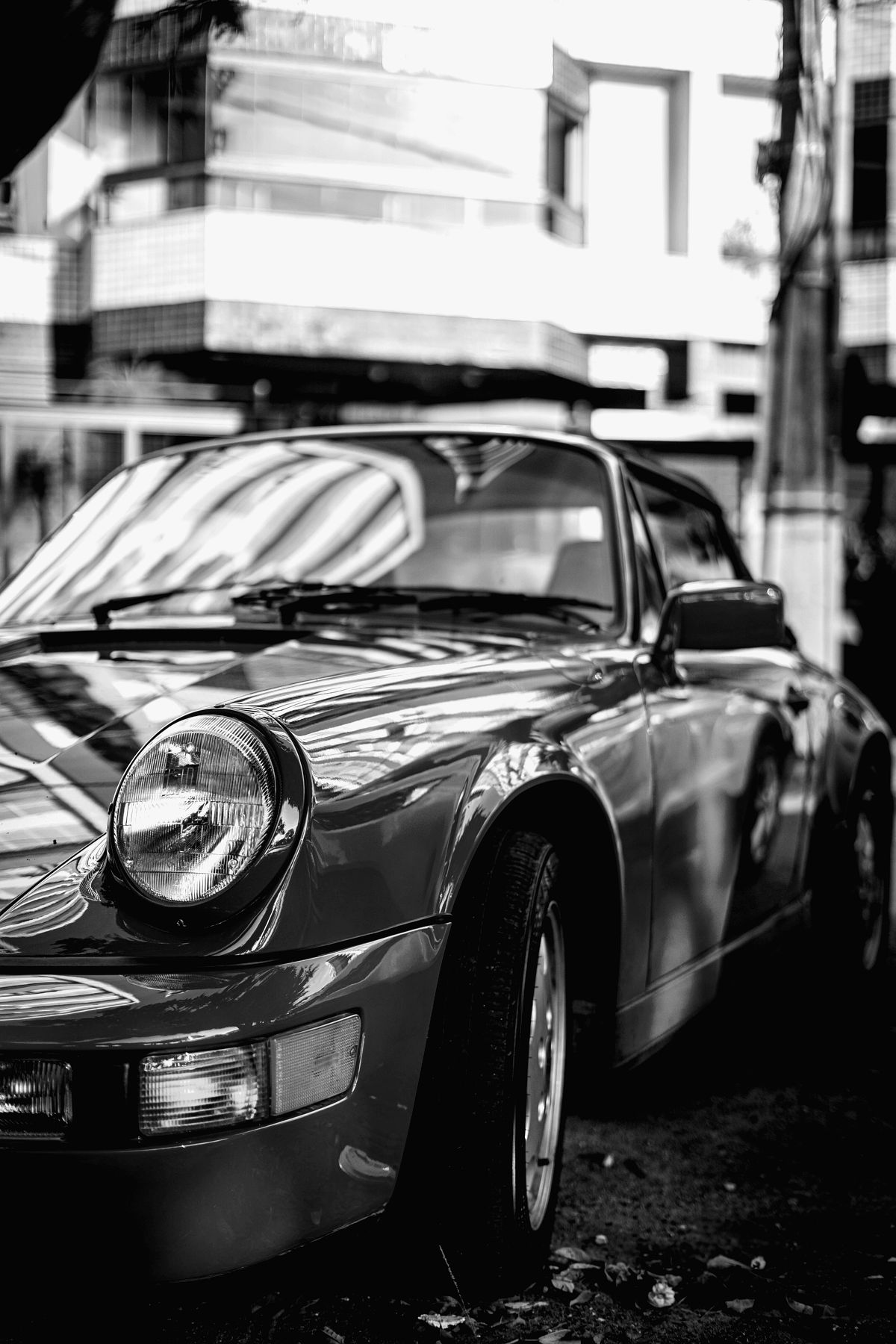
The documented history that makes your Porsche worth more.
Forward your shop’s invoices and photograph your receipts. Dalwick turns them into one organized history of the car — what was done, when, by whom and what it cost — with in-depth research on every Porsche generation.
Your specialist does the work. Dalwick keeps the record.
Forward the invoice from your shop and it is read on arrival — the shop, the date, every line, the total — and filed against the right car. Photograph a paper receipt and the same thing happens. What comes back is a history you can search, total up and hand over.
It knows an air-cooled 911 from a 996 Turbo.
Tell it what you own and everything follows the car — the service schedule, the known issues for that generation and engine, the words it files the work under. No coolant reminders on a car that has none. No IMS warning on an engine that never had the bearing.
Buyers pay for proof.
Every serious buyer asks for the folder. Most get a shoebox of receipts, if that. Dalwick gives them the whole story in order: what was done, when, by which shop, with which parts, through every owner. Two identical cars, one with its history and one without, do not sell for the same money.
A report on every Porsche generation.
Every generation from the 356 to the 992 gets its own Dalwick Research, drawn from period road tests, owners’ forums, auction results and factory figures. It’s included, and it’s yours to keep.
- The write-up. The model’s history, where this one sits in the line, what changed year to year.
- What breaks. The faults it is known for, by engine where it matters, and how common each one is.
- What to inspect. A checklist you work through standing at the vehicle — it ticks off on your phone.
- Clubs, forums and recalls. Where owners gather, where the cars change hands, and the recalls on file.
What’s inside, area by area.
Research
- Dalwick Research on every Porsche generation: history, what breaks, what to inspect, clubs, recalls
- Car Search: your listing sites in one place; paste a listing and it reads itself; compare cars side by side
- Option-code lookup for any generation
- Saved to your account, downloadable
Garage
- Full specs per vehicle: engine, drivetrain, fluids and capacities, wheels and tires
- Factory Specs for your exact car: its phase, options, colors and the known issues for its engine
- Torque figures and dimensions, kept as the list your vehicle actually has
- A service schedule per vehicle, built for what it is rather than a generic list
- Due and overdue by both date and mileage, whichever comes first
- Open recalls on file — including recalls on aftermarket parts
- Photographs, documents, manuals and notes
- An ownership chain — who had it, when, and what they paid
- Purchase, service, parts and modifications totalled per vehicle, and across every car you own
Road Use
- Every drive logged: date, start and end mileage, with an optional note and photos
- A yearly mileage budget for each car
- Mileage logged across every car you own
Plans
- One plan per car — even for a car you don’t own yet
- Its modifications grouped by system, each ticked off when it’s done
- Everything fitted lands in the vehicle's permanent record
Invoices
- Forward an invoice to invoice@dalwick.ai — it is read on arrival: shop, date, every line item, the total
- Photograph a paper receipt and the same thing happens
- An inbox to check it before anything is filed
- Work kept at line level, not invoice level — every job searchable on its own
- Tagged against a closed vocabulary, so searches actually return
- Mark any line on an invoice as a modification rather than maintenance
- The shops and suppliers you use, and what you bought at each
- Products kept by part number, so you order the same thing again
DIY
- Plan a job you do yourself: the parts, with part numbers and prices, and the how-to videos
- Porsche’s factory parts diagrams for your exact car, and a part-number lookup
- Ask a question about this job on this car — answered from real sources, with the sources shown
- A scratch pad for the numbers you copy off a diagram
- Photos from your phone show how it all goes back together
- Finished jobs join the car’s history, and you can search them later
The Dalwick Registry is in private testing on web and phone. Built by lifelong car people who got tired of keeping a car’s history in a shoebox. Questions, or want an early look? info@dalwick.ai
The Dalwick Registry is an independent product and is not affiliated with, endorsed or sponsored by Dr. Ing. h.c. F. Porsche AG. Porsche and the model names are its trademarks.
© 2026 Dalwick.ai